

















Robot vacuums have made everyday floor cleaning much easier. They can handle dust, pet hair, crumbs, and the dirt tracked indoors during colder months, reducing the need for frequent manual vacuuming.
However, self cleaning does not mean maintenance free. Hair can still build up around the brush, dust can clog the filter, and dirt can collect on sensors, wheels, and the docking station.
In this guide, we will show you how to clean your robot vacuum step by step and explain how regular maintenance can help keep it running efficiently for longer.
Know More Your Self-Cleaning Dock & Robot
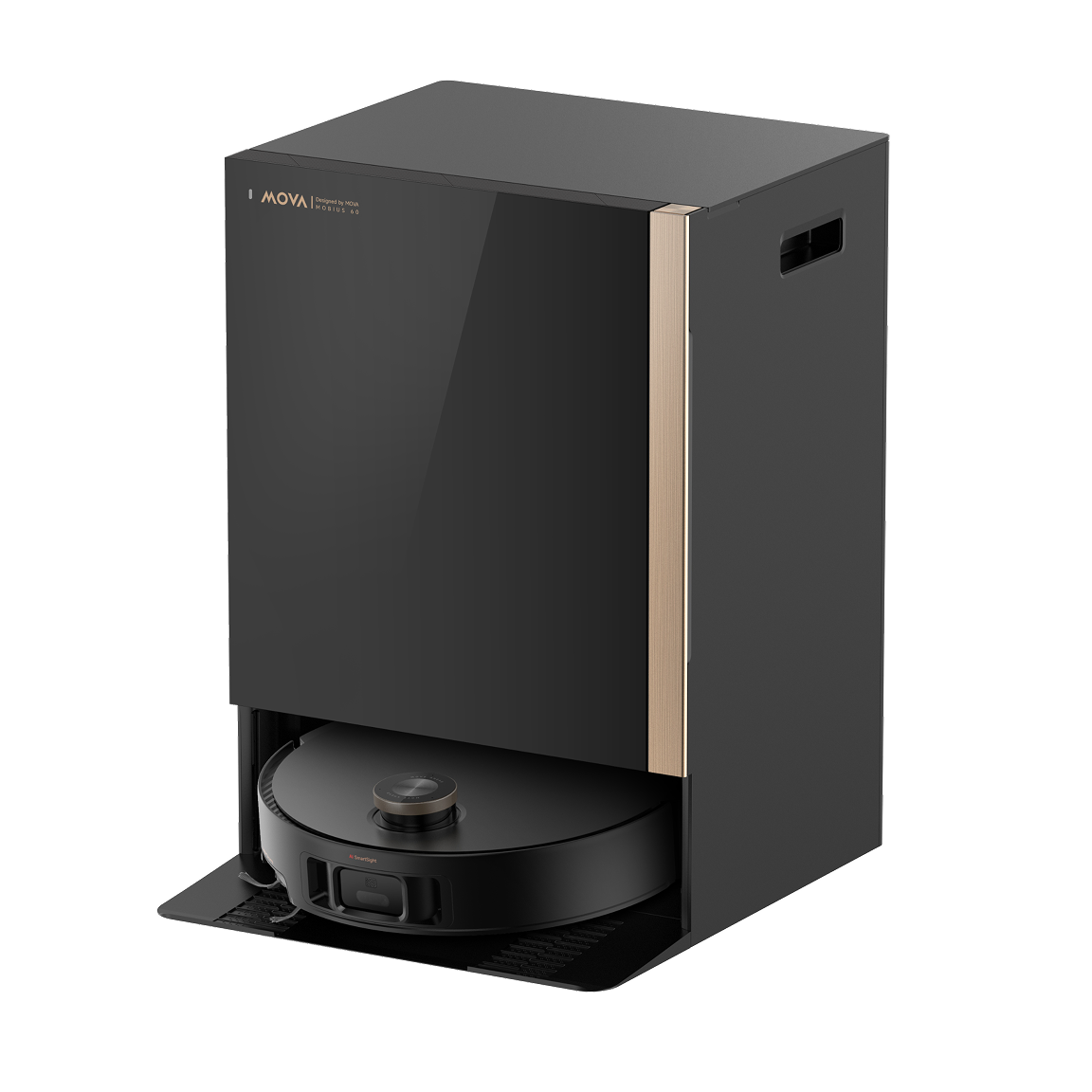
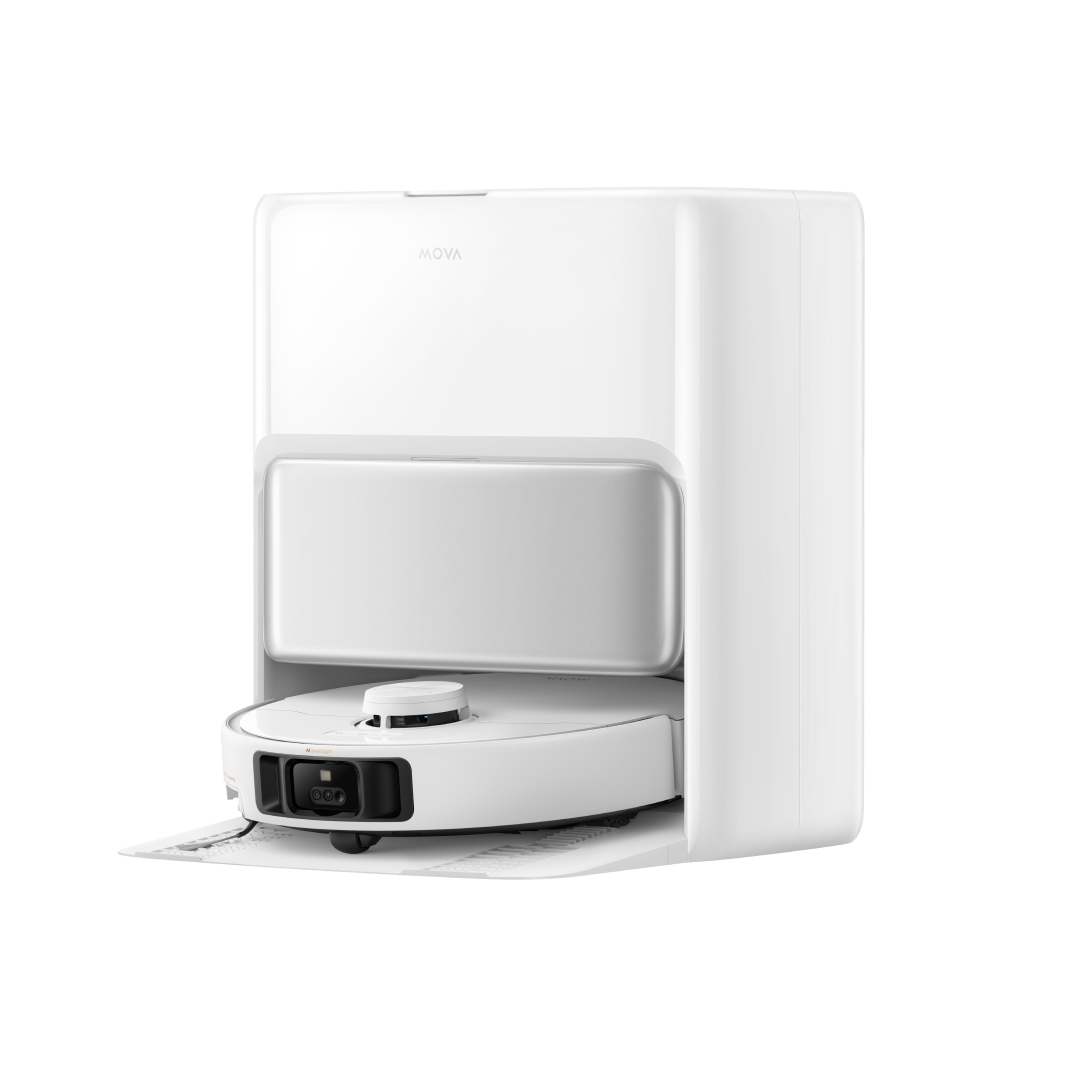
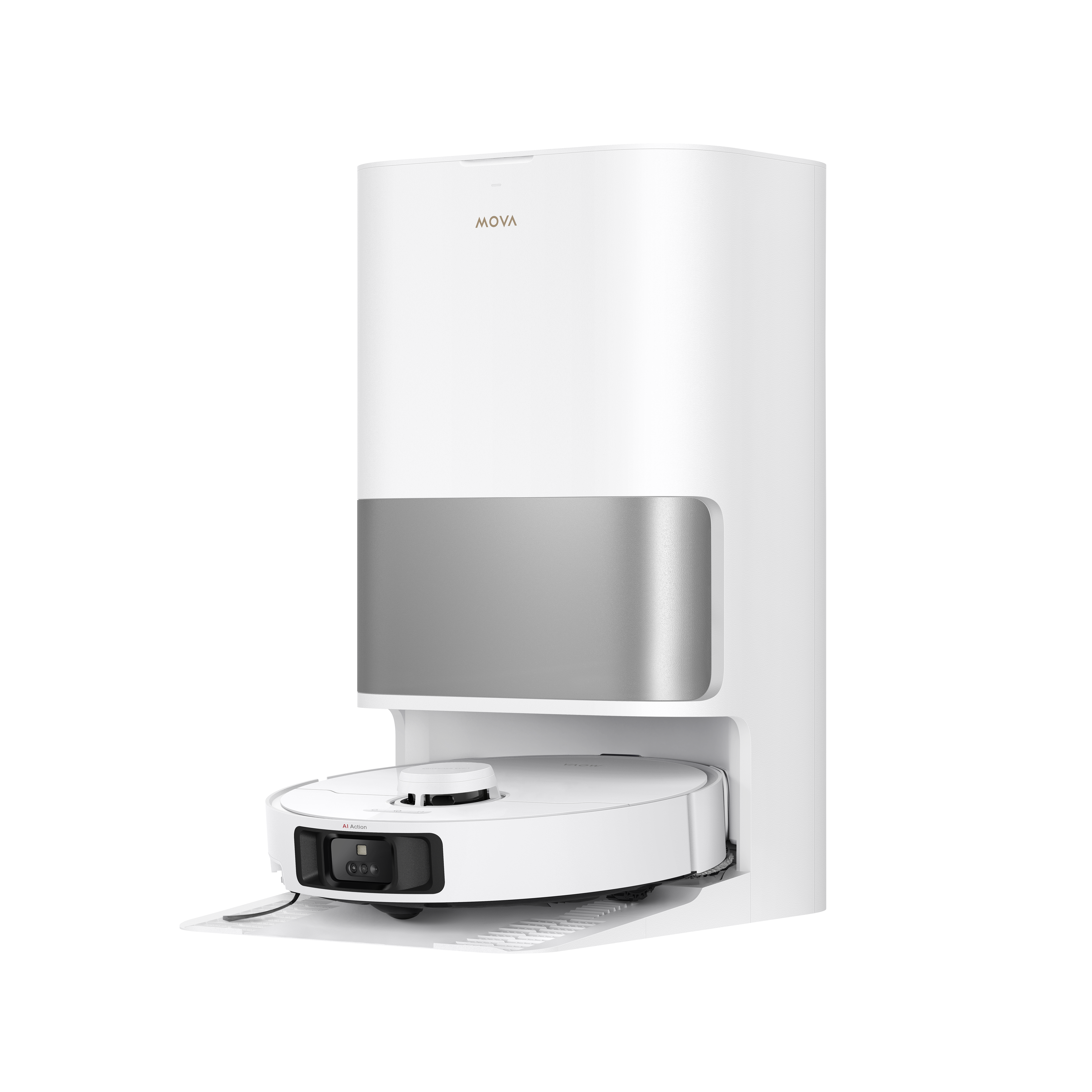
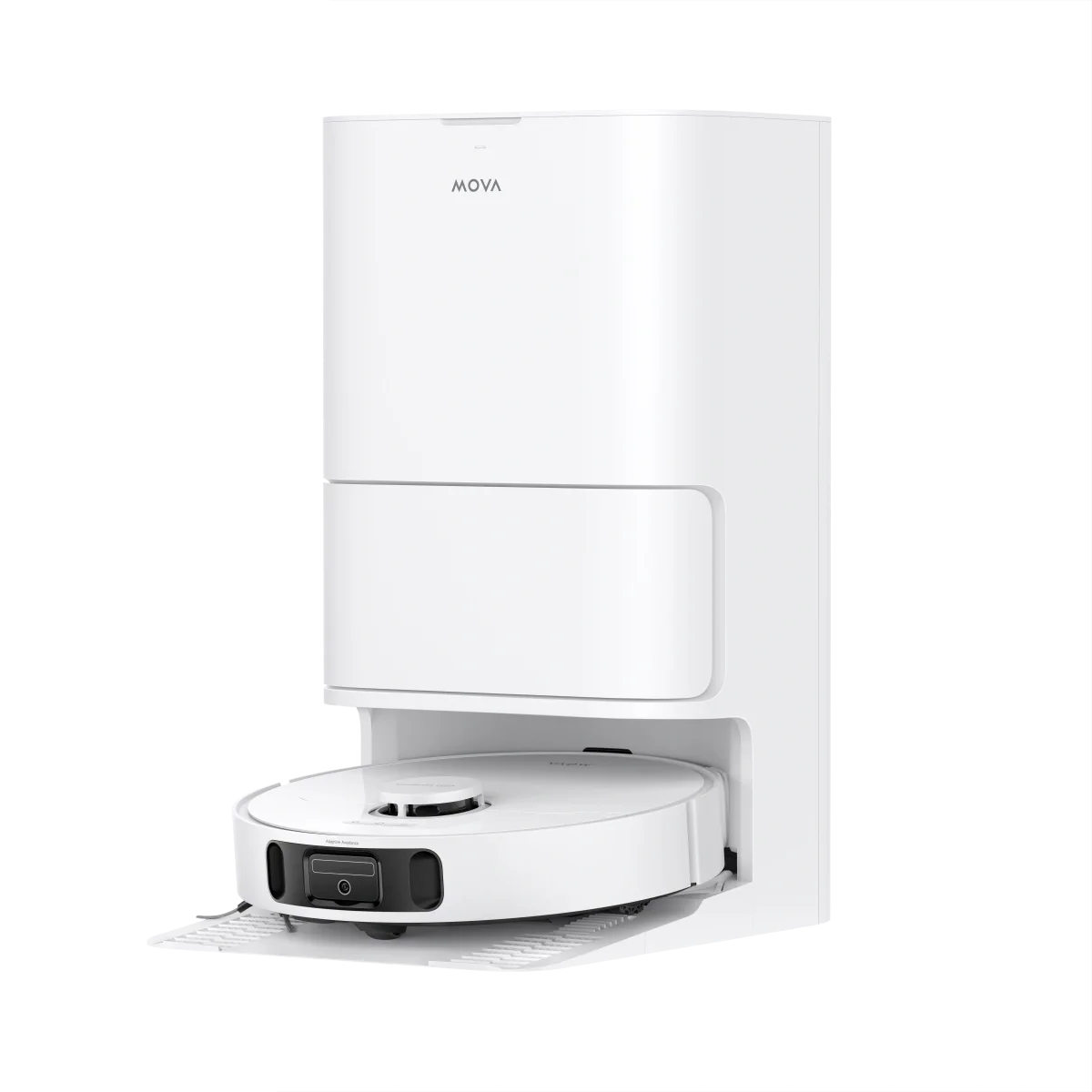
A self cleaning robot vacuum does more than vacuum the floor. Depending on the model, the docking station may automatically empty the dustbin, wash mop pads with heated water, dry them with warm air, and refill the robot's water tank. These features reduce the amount of daily maintenance, but they do not remove the need for occasional cleaning.
The dock itself can collect fine dust, hair, dirty water residue, and debris over time. During colder months, when indoor heating keeps the air dry, fine dust can also build up more quickly around the dock and other surfaces. Keeping the station clean helps the entire system work as intended.
How to Deep Clean Your Self-Cleaning Robot Vacuum
Step 1: Power Down and Prep
Turn off the robot and remove it from the docking station before cleaning. This makes it easier to access the brushes, sensors, wheels, and other components safely.
Step 2: Empty and Clean the Base Station's Dust Bag and Tanks
Check the disposable dust bag regularly and replace it when it is full or when the dock indicates that it needs changing. Some MOVA robot vacuums are designed to provide extended hands free dust collection. For example, the P50 Ultra is rated for up to 75 days of hands free dust collection, depending on usage and household conditions.
If your dock has a dirty water tank, empty it regularly and rinse it according to the manufacturer's instructions. Leaving dirty water sitting for too long can lead to unpleasant odors and residue buildup.
Step 3: Clean the Main Brush and Anti Tangle System
Remove the main brush and clear away wrapped hair, pet fur, and debris. Pay attention to both ends of the roller, where hair can accumulate and affect rotation.
Modern MOVA robot vacuums use anti tangle brush designs to reduce hair buildup and routine maintenance. Even so, checking the brush ends about once a month is worthwhile, particularly in homes with pets.
Step 4: Clean the Washboard and Mop Pads
The washing tray can collect hair, dust, and residue during repeated mop washing cycles. Remove accessible debris and wipe or rinse the tray according to the model's instructions.
Clean the mop pads regularly as well. If they are removable, wash them as recommended and allow them to dry properly before reuse.
Step 5: Clean the Sensors and Charging Contacts
Use a clean, dry microfiber cloth to gently wipe the robot's accessible sensors, including cliff sensors and navigation sensors. Also check the charging contacts on both the robot and dock for dust or residue.
Keeping these areas clean can help prevent navigation or charging problems and ensures the robot can return to its dock and charge properly.
Pro-Tips for Canadian Home Environments
- Check the washboard tray after winter cleaning: Remove dried mud, slush, and road salt residue before buildup becomes difficult to clean.
- Inspect the wheels regularly: Clear away hair, grit, and dried dirt that may affect movement.
- Keep the filter clean: Fine dust from indoor heating can build up quickly, so check and clean the filter according to the manufacturer's instructions.
- Watch for pet hair: If you have shedding pets, inspect the main brush and brush ends more often to prevent hair buildup.
- Dry mop components properly: After cleaning washable mop pads or dock components, allow them to dry completely before reinstalling them.
- Clean sensors and charging contacts: A quick wipe with a dry microfiber cloth can help maintain reliable navigation and charging.
Why Low-Maintenance Design Matters (The Mova Advantage)
A robot vacuum should reduce household cleaning rather than create another time consuming chore. Features such as strong suction, automatic dust emptying, mop washing, hot air drying, and self cleaning washboards can significantly reduce routine maintenance.
MOVA's current robot vacuum lineup includes models with automated dock systems and high suction power. However, specifications and cleaning features vary by model, so it is worth checking the specific product before choosing one.
The benefit is straightforward: when more routine tasks are handled automatically, you can spend less time cleaning the robot itself and more time enjoying clean floors.
Conclusion
A robot vacuum does not need complicated maintenance. A simple monthly deep clean, combined with regular checks of the dustbin, filter, brushes, mop system, sensors, and dock, can help maintain reliable performance.
Homes with pets, heavy foot traffic, or winter tracked in dirt may need more frequent cleaning. The best routine is one that matches how your robot is actually used.
FAQ
How often should I clean my robot vacuum?
Check the dustbin, brushes, and filter regularly, especially if you have pets. A deeper clean once a month is a good starting point, while homes with heavy shedding or frequent foot traffic may need more frequent maintenance.
What parts of a robot vacuum need to be cleaned regularly?
The main areas include the dustbin, filter, main brush, side brushes, wheels, sensors, charging contacts, mop pads, and docking station. For self cleaning models, also check the washboard tray and dirty water tank.
How do I clean the brush on my robot vacuum?
Remove the main brush according to the manufacturer's instructions, then clear away hair, fur, and debris. Check both ends of the roller, as hair can collect around the bearings and restrict movement.
Can I wash my robot vacuum filter?
Only if the manufacturer states that the filter is washable. Some filters can be rinsed with water, while others should only be tapped or brushed clean. Always let a washable filter dry completely before reinstalling it.
Why is my robot vacuum losing suction power?
A full dustbin, clogged filter, blocked air path, or hair wrapped around the main brush can reduce cleaning performance. Start by cleaning these areas. If suction remains weak afterward, check the manufacturer's troubleshooting instructions for your model.